With dozens of cameras, lenses, microphones, and lighting rigs, the video equipment market can feel disorienting. Every category of film equipment has options across a wide range of price points, and the specs don't always make it clear what matters for your content.
This guide cuts through the noise to focus on what’s most important for video content creation. We’ll cover the essential equipment you need to build a working setup versus nice-to-have options, along with the software to complete your workflow.
What video equipment do you actually need?
Content type, shooting environment, and budget all shape the kinds of video equipment necessary to get started. A creator shooting talking-head content for a small business needs different production equipment than a freelance videographer covering events, for example.
For beginning creators shooting in decent natural light, a smartphone or basic camcorder works well, but dedicated video production equipment will make a noticeable difference in audio and visual quality as your output scales. And if you’re still getting familiar with the basics, Vimeo's glossary of common video terms is a useful reference for common terminology you’ll find as you shop.
Essential video equipment for content creators
Every creator's kit looks different, but some video production equipment earns its place regardless of content type or budget. Here's what to prioritize first.
Camera
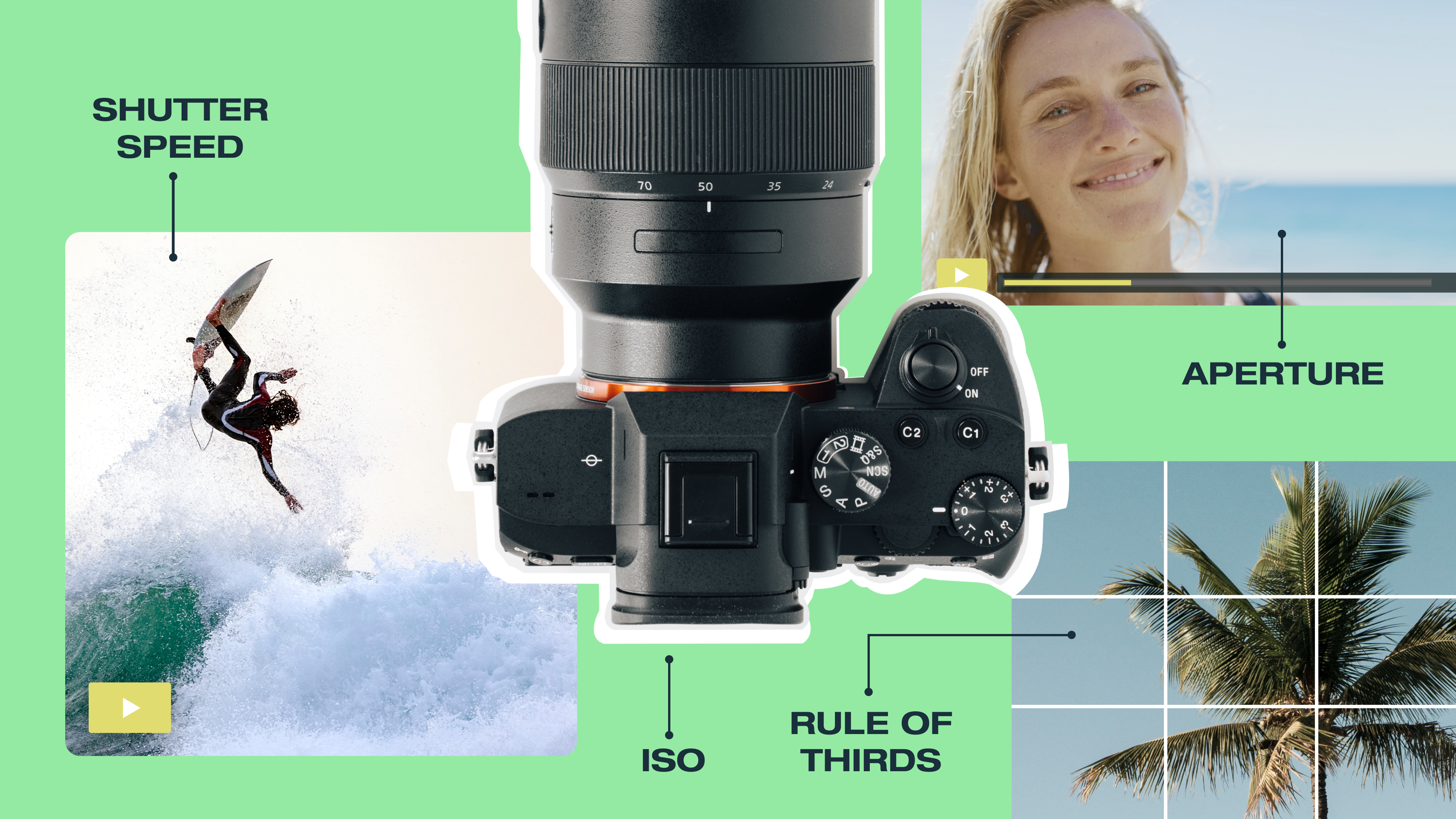
Cameras are the foundation of any videographer's equipment setup. A mirrorless or DSLR camera gives you manual control over aperture, shutter speed, and ISO — settings that determine how your image looks in changing light. Prioritize low-light performance and reliable autofocus, which affect more shots than resolution does.
For most creators, a mid-range mirrorless camera like the Sony ZV-E10 (a popular choice for vloggers) or Canon R100 covers most use cases.
Lenses
Lenses control how much of your scene is in focus (depth of field), how well they perform in low light (light intake), and how close or wide your shot appears (focal range). A capable camera paired with a poor lens produces weaker footage than a modest camera with a sharp lens.
The lower the number on a lens, the more light it lets in. For most users, a fast 50mm prime (f/1.8 or wider) on a full-frame camera is a reliable starting point. It handles low-light environments well and produces a natural field of view for filming interviews and product shots. Adding a zoom lens to your kit gives you flexibility during events where you can't physically reposition quickly.
Microphone
Built-in camera microphones pick up room noise that viewers notice immediately. An external shotgun microphone (such as the Rode VideoMic) or a small clip-on microphone captures audio from a shorter distance with far greater directional control. For professional-quality video recording, a dedicated studio microphone on a boom stand in a quiet or acoustically treated room provides a way to cleanly isolate a single voice.
Lighting
Inconsistent lighting undermines a visual setup faster than almost any other variable. While beginning vloggers can generally get away with only using a ring light, a basic lighting kit with two softboxes gives you repeatable results without requiring a full studio setup. Aim one light directly at your subject and use a second, softer light to reduce harsh shadows on the opposite side. LED panels from brands like Aputure and Godox are also a practical choice, as they’re easy to transport and adjust their brightness and warmth.
Tripod and stabilization
Handheld footage without stabilization makes a video appear unfinished, regardless of camera quality. A tripod with a fluid head (a type of mount that allows smooth, controlled movement) avoids the jerky pans that come from using tripods for still image photography. For shooting on the move, a gimbal (a motorized stabilizer that keeps the camera level) is a good tool to have on hand for walking shots and event coverage where a tripod isn't practical.
Audio accessories
A good microphone is only part of a reliable audio setup for larger productions. Professional microphone cables carry a balanced signal that resists interference on large sets where the microphone and recorder sit apart. A boom pole lets an operator hold the microphone directly above the subject, out of frame but close enough for clean capture. And a portable audio recorder like the Zoom H5 records sound independently of the camera, providing a backup track in the field for cleaner isolation.
Storage and memory cards
High-capacity SD or CFexpress cards with fast write speeds handle 4K footage without dropping frames. Look for cards rated V60 or V90 for video-specific work.
Beyond on-set cards, two external hard drives for offloading footage are the minimum for any working production. Teams managing large volumes of footage might consider cloud-based storage, which makes files accessible to editors wherever they’re working and can lower the cost of storage.
Extra batteries and power
Camera batteries deplete faster than most creators expect, particularly in cold environments or when shooting 4K with a powered monitor attached. Carry at least two fully charged spare batteries every time you take your camera out to the field. For studio shoots with access to power outlets, a dummy battery adapter powers the camera directly from a wall outlet, eliminating the need for battery management entirely.
Video production software you need alongside your gear
Hardware gets you the footage. Post-production is where the footage becomes a finished video. The best video production software handles both editing and distribution: The fewer tools you have to toggle between, the faster you can share your video.
Vimeo is a video production platform that covers much of that workflow in one place, combining ad-free hosting, a customizable player, built-in analytics, screen recording, and team collaboration. But it isn’t the only video production tool out there.
Here's how other leading video production tools compare.
Adobe Premiere Pro
Adobe Premiere Pro supports a very wide range of professional video and audio formats, and integrates directly with other Adobe tools like After Effects and Audition, so you can stay within Adobe’s tool suite for the whole process. It's one of the most widely used editors in professional production for both Mac and Windows, but it requires a subscription and takes time to learn properly.
Final Cut Pro
Final Cut Pro is a Mac-only option built around a fast drag-and-drop interface that suits solo creators and small teams. It's optimized for Apple Silicon chips, so footage renders quickly, and includes motion graphics templates out of the box. The trade-off is platform lock-in — it doesn't run on Windows or Linux.
DaVinci Resolve
DaVinci Resolve has a deep scope. It combines editing, color grading, visual effects, and audio in a single application that runs on all operating systems. Many video tools split the same features across multiple products and charge you for each. Even the free version of DaVinci Resolve supports Ultra HD editing up to 3840x2160 resolution and covers most of what independent creators need.
Sharing and reviewing your video projects
Once you’ve wrapped editing, you need a way to get footage in front of clients and reviewers. Video files can be very large, and traditional file sharing methods like email or cloud storage can’t reliably handle them.
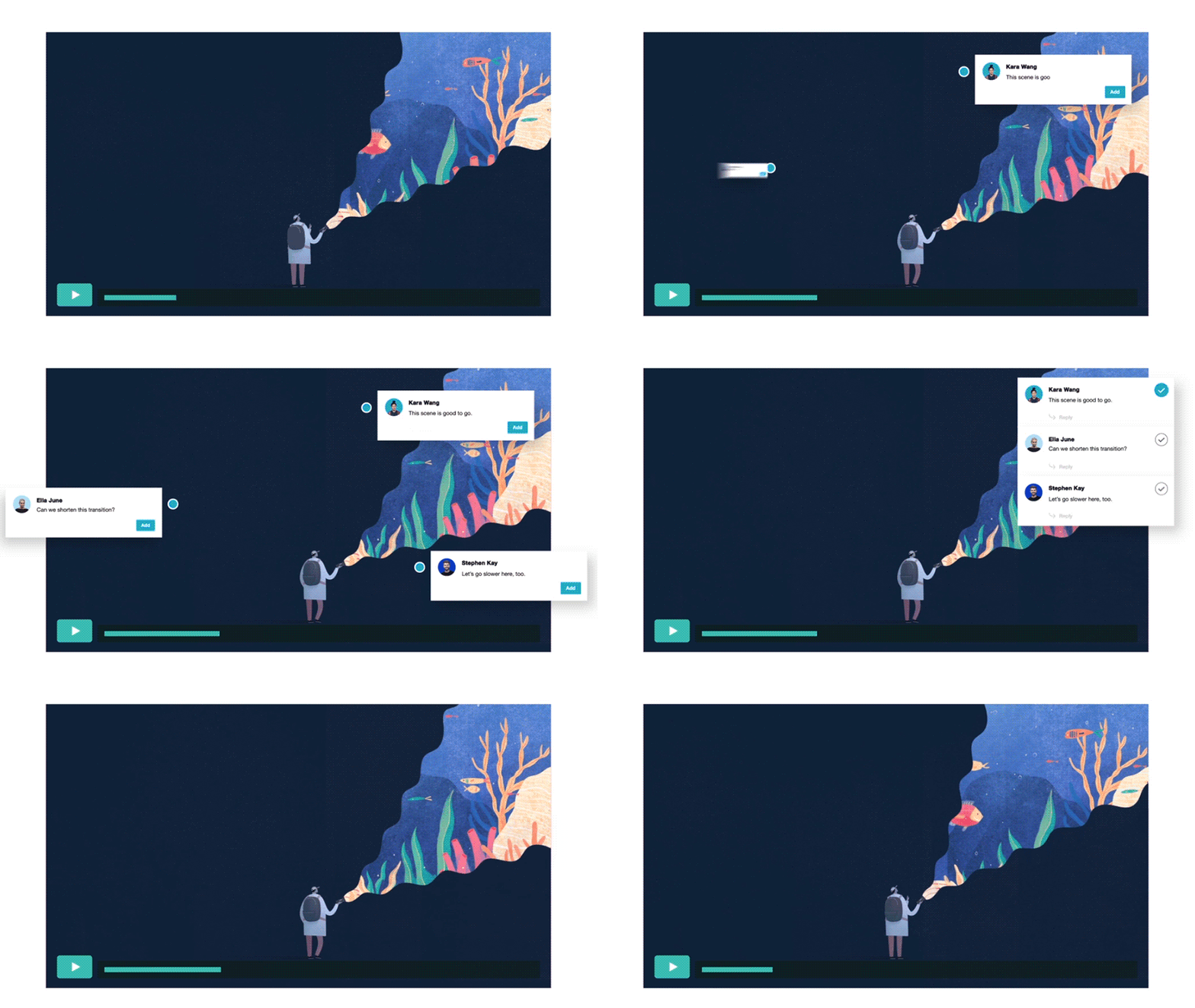
Vimeo's collaborative video editing tools give you a way to share video files from the same place you’ve edited them. Video review pages let collaborators leave timestamped comments directly on the video, so feedback is tied to the exact moment it refers to rather than described in a separate document. This makes revising the file and getting final approval faster, especially since teams can tackle most steps without switching platforms.
Vimeo also makes it easier to send large video files to clients or external reviewers by sharing private links to videos with high-quality streaming and download options. This way, reviewers can download the video directly to their computer (subject to plan specifications).
Start collaborating with Vimeo →
For teams that need other ways to communicate, Slack works well for day-to-day chats and small file sharing, while Google Drive and Dropbox handle storage and slightly larger file sharing reliably. Vimeo integrates directly with all three programs to keep workflows efficient. And for projects that need more intense editing, Frame.io (part of Adobe's Creative Cloud) offers deep integration with Premiere Pro for editors already working in the Adobe ecosystem.
FAQ
What production equipment do I need?
The tools you should prioritize depend on your content type and shooting environment. However, the most important tools for most creators include the camera, lens, external microphone, lighting setup, and tripod. Audio accessories like pop filters, extra batteries, and additional storage round out a reliable production setup.
What's the most important piece of video equipment?
A camera may feel like the obvious answer here, but don’t neglect your audio equipment. Audio problems will pull viewers out of your content immediately, and they can make your video feel unprofessional. A slightly soft image rarely registers, but hollow room noise or distorted dialogue does. A strong external microphone makes a more immediate difference to perceived production quality than upgrading a camera.
Do I need expensive equipment to make good videos?
No. A mid-range mirrorless camera, a basic lighting setup, and a decent external microphone is enough to produce strong results for most content types. Expensive gear helps in specific situations, such as low-light shooting and capturing fast-moving subjects, but it’s not a substitute for knowing the fundamentals of good videography.
Create and host professional videos with Vimeo
The right video equipment gets you quality footage. Where you host and share that footage determines how far it travels and whether it reaches viewers in the great video quality you captured. And the right reliable platform ties together hosting, analytics, and distribution so your production work doesn’t stop at the edit.
Vimeo puts every editing and post-production tool you’ll need in one place. There's no third-party advertising appearing alongside your content, and no need to patch together separate tools for every part of your workflow. Instead, you’ll find ad-free hosting, a customizable player, built-in analytics, and collaboration tools available in any browser.
Whether you’re a freelance videographer delivering client work or a team managing multiple productions, Vimeo is built to handle the journey from upload to distribution.