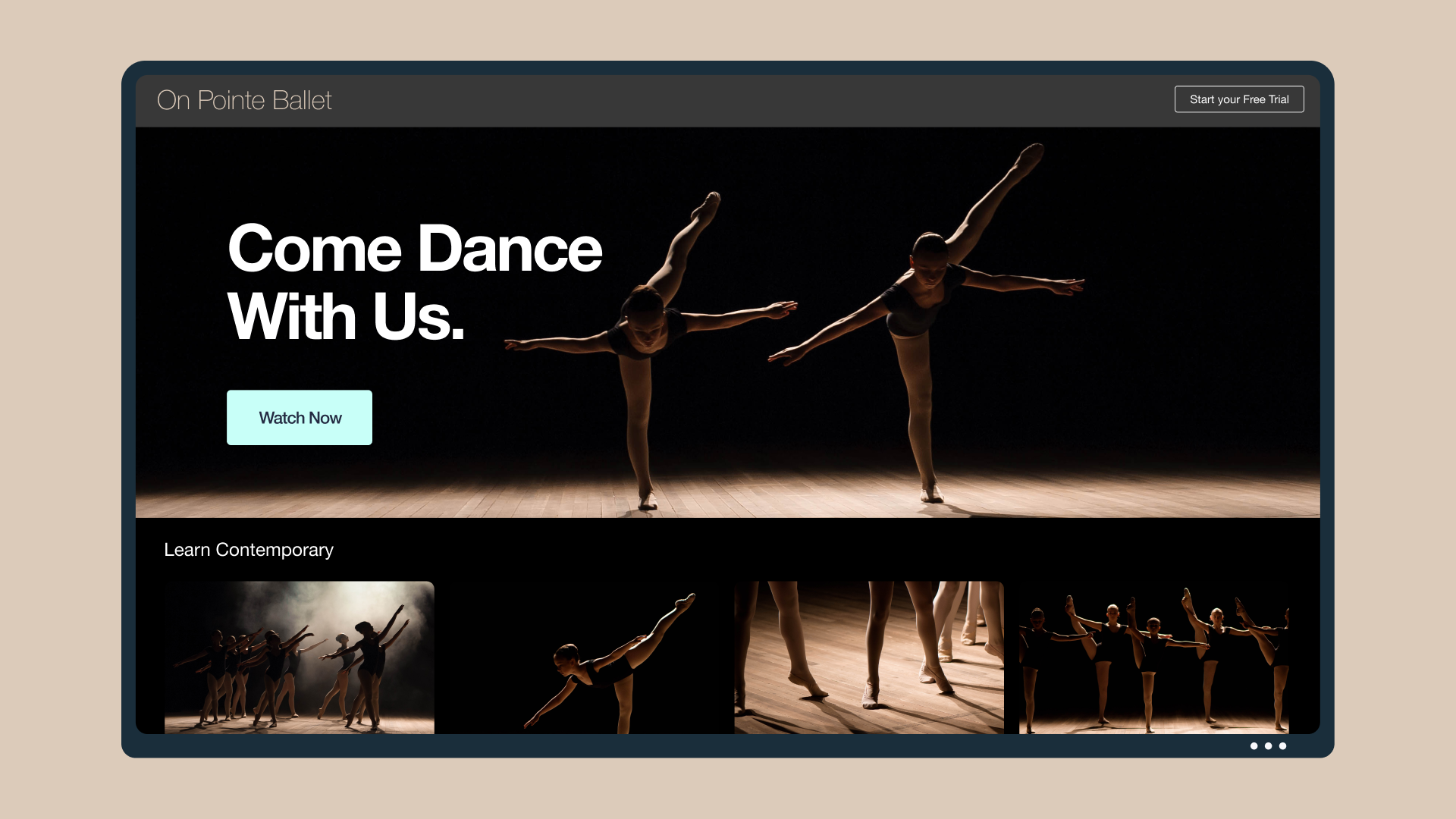

You work hard to make your videos come to life. And you need the right tools to present them in the best way possible, and help you share them with your audiences beautifully. That’s why we launched Showcases, making it easier to manage your entire workflow from one place. And you gave us some great suggestions to make it even better.
So today, we’re thrilled to announce that we’ve rolled out all-new ways to present your work: now you can customize your portfolios for more control over how you present your work, or embed them as video playlists on your website.
Make a video showcase →
What’s new
Embeddable playlists
Vimeo Plus members and above can now group videos together into a playlist that can be embedded and enjoyed by their audiences on mobile or desktop. This is perfect for those looking to show off their work on their website: from video pros with film reels, to marketers with thematic webinars, to businesses with a related series product how-tos — or anyone else looking to engage viewers with a group of videos, perfectly curated by you.
Customizable Showcases
There are more ways to share your work than adding a playlist to your website. Vimeo Pro members and above can create a Vimeo-hosted Showcase with their desired look and feel, and do so in a matter of minutes — no website required. Once everything is looking good, you’ll be able to share your Showcase publicly, or password-protect it to share with a specific client, team, or whoever else you choose. To customize your design, you can select a layout option, add a custom logo, and choose your accent color to highlight your work, just the way you want to.
How to get started
Every Vimeo member can create a Showcase. To do so, simply head to your Videos page, and click the + icon next to “Showcase." From there, you’ll be able to add a title and description, start grouping videos together, and determine your video privacy settings.
Depending on your membership, you’ll be able to embed or customize your layout as well. You can add your own videos to your Showcases, or select some from other creators if they’ve allowed it in their video’s privacy settings.
Even more tools for your workflow
Of course, Showcases aren’t the only way to group videos together. While Showcase allows you to compile your videos, we launched projects a few months ago to help you organize, manage, and collaborate on your work. With projects, anyone can group and organize their video uploads together, and Vimeo Pro members and above can invite collaborators to work on projects and add team-specific permissions.
A video file can be added only once to a project, and if you add team members to that project, they’ll have access to those files in order to collaborate on them. With Showcase, you can include a video file in as many Showcases as you choose, and share it with your desired audience beautifully — without giving them management access.
Putting it all together
Thanks to these updates, you can now present your work, your way, and share groups of videos more beautifully than ever — from playlists you can embed on your site, to customizable Showcases you can present in minutes. As always, we hope you try it out, enjoy all the new features, and let us know your thoughts. There’s much more in store for these tools!
And as always, you can also leverage Vimeo's video editing tools like the video trimmer, video merger, video cropper, GIF maker, and many more.
Until next time, here’s to showcasing all that you do.